


Download ExpressVPN – Fast, Secure, and Private Internet Access
Overview
ExpressVPN is a subscription-based virtual private network (VPN) service designed to enhance online privacy, security, and access to global content. It enables users to route their internet traffic through remote servers, masking their real IP address and location. This functionality helps protect data from interception, especially on public networks, and allows access to region-restricted services such as streaming platforms and websites. The service is marketed as a high-speed solution, particularly optimized for fast downloads and low-latency browsing.
Target users include individuals concerned about digital privacy, remote workers, travelers, and those who access geo-blocked content. While the developer did not provide additional details about the company’s background, ExpressVPN is known for its strong privacy commitments, including a no-logs policy and jurisdiction in the British Virgin Islands—a location with no mandatory data retention laws. The service operates across 94 countries with a network of over 3,000 servers, including 160 server locations, supporting diverse connectivity needs.
Real-world usage scenarios include secure remote work, bypassing censorship, streaming international content, and protecting sensitive data during file transfers. The service is not a standalone desktop application but is delivered through dedicated apps for Windows, Mac, iOS, Android, Linux, routers, smart TVs, and gaming consoles. It supports both online and offline usage, depending on subscription status and connection availability.
Key Features & Capabilities
- Global Server Network: Access to 160 server locations across 94 countries enables users to connect to diverse regions, enhancing speed and access to region-specific content.
- Proprietary Lightway Protocol: A high-performance, secure protocol designed for speed and reliability, with third-party audits confirming its integrity and efficiency.
- OpenVPN Support: Users can manually connect using OpenVPN for enhanced control and compatibility with advanced configurations.
- Automatic Kill Switch: If the connection drops, all internet traffic is blocked to prevent DNS leaks and maintain privacy.
- Secure DNS Over IPv4: All DNS requests are encrypted and routed through secure channels, minimizing exposure to tracking or manipulation.
- Speed Testing Tool: Built-in functionality allows users to test server performance and select the fastest connection for optimal download and streaming speeds.
- Support for P2P and BitTorrent: Allows secure peer-to-peer file sharing, a feature not available on all VPN services.
- Netflix Compatibility: One of the few services that consistently works with Netflix’s geo-restriction systems, enabling access to international libraries.
These features collectively support secure, private, and fast internet usage across multiple platforms. The ability to switch protocols and test server speeds empowers users to optimize performance based on their needs. The service is particularly useful for users seeking reliable access to global content while maintaining strong encryption and privacy protections.
User Interface, Workflow & Performance
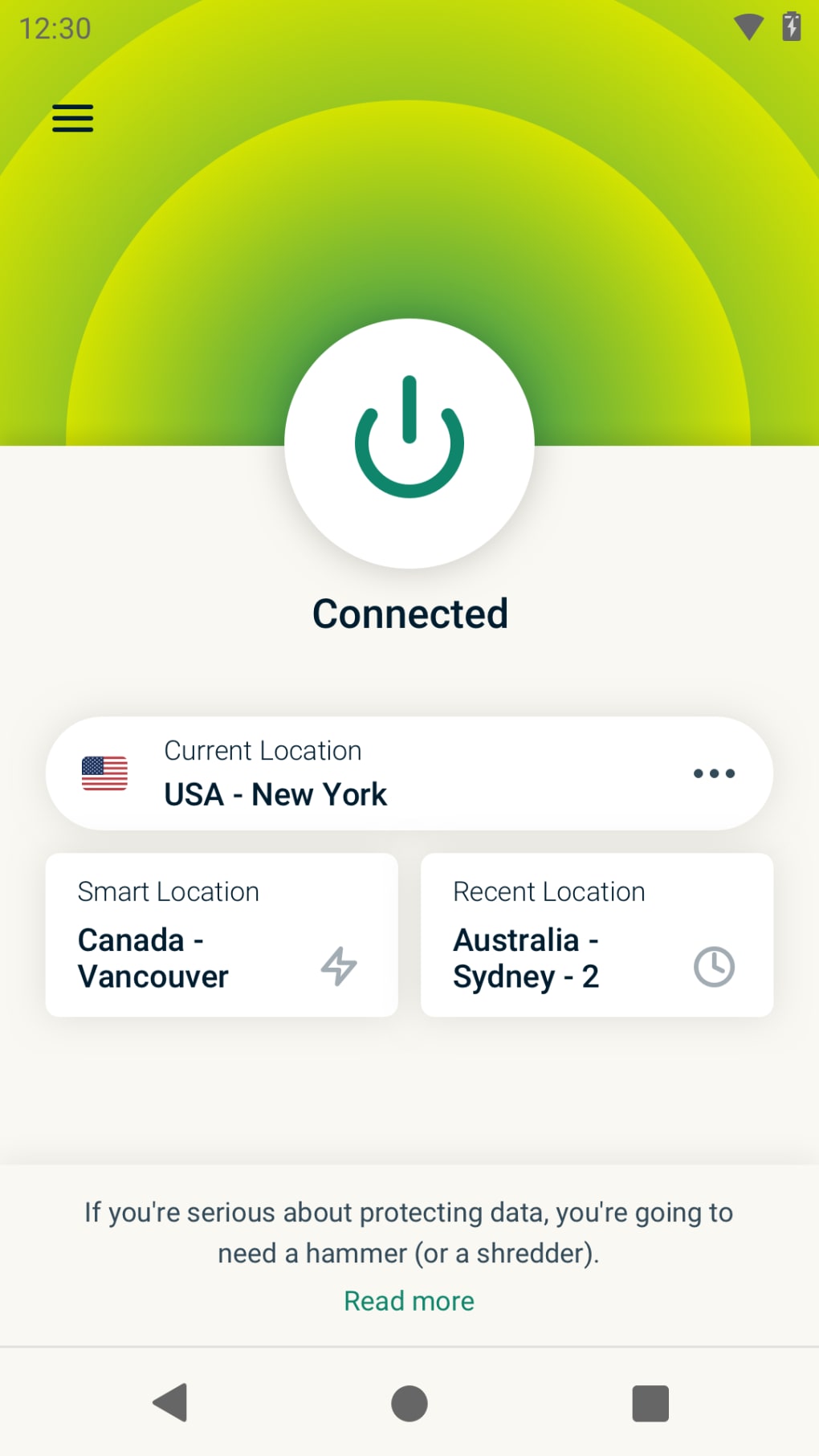
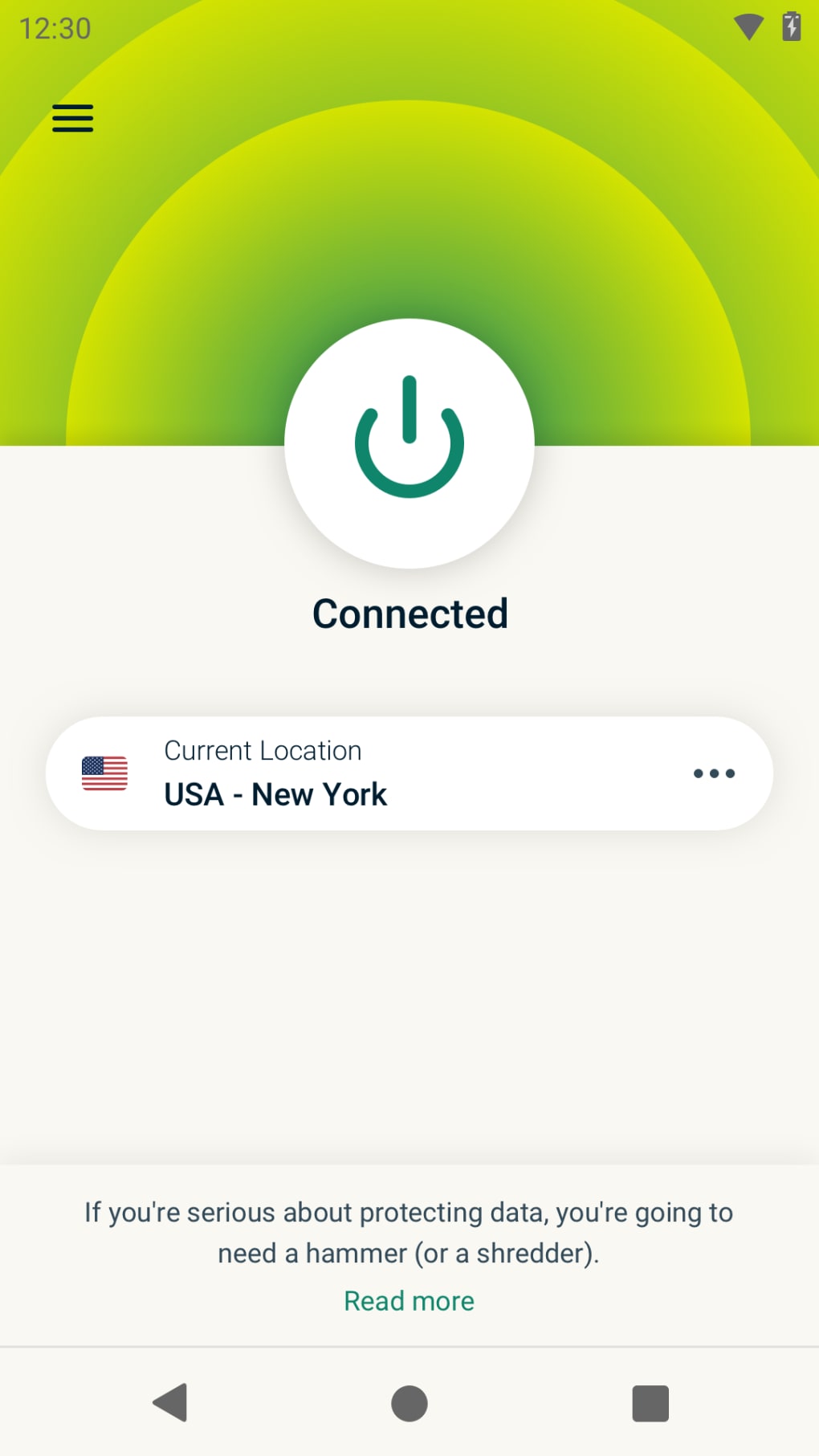
The ExpressVPN interface is designed with simplicity and usability in mind. The app features a clean, intuitive layout with a single button to connect to the fastest available server, minimizing user effort. Navigation is straightforward, with clearly labeled sections for server selection, protocol settings, and connection status. The workflow is streamlined, allowing users to establish a secure connection in seconds.
Performance is optimized through automatic protocol selection, which chooses the most efficient option based on network conditions. Users can also manually select between OpenVPN and Lightway for greater control. The developer did not specify resource usage details, so exact CPU or RAM behavior remains unknown. However, general software behavior patterns suggest efficient operation under typical conditions.
Stability is maintained through consistent connection handling and the built-in kill switch, which prevents data exposure during disconnections. The service supports both online and offline usage, depending on subscription validity. While performance metrics were not provided, the service is described as delivering high-speed downloads and low-latency browsing, particularly on international connections.
Compatibility & System Requirements
ExpressVPN is available on multiple platforms, including Windows, Mac, iOS, Android, Linux, and routers. It also supports smart TVs and gaming consoles, extending its usability beyond traditional desktop environments. The service is delivered via dedicated apps, not a standalone desktop utility.
Exact system requirements were not listed. The developer did not provide specific hardware or OS version details. Installation size and compatibility information are limited to the platforms mentioned. Users should ensure their device meets the minimum requirements of the respective operating system to run the app successfully.
Compatibility with various devices allows seamless integration into diverse digital ecosystems. The service is designed to function across modern operating systems, though precise technical specifications remain undisclosed.
Pros and Cons
Pros
- Fast and reliable connection speeds, especially for international access
- Strong privacy features including a no-logs policy and secure kill switch
- Support for P2P and BitTorrent file sharing
- Works with Netflix and other major streaming platforms
- Intuitive, user-friendly interface across all platforms
- 24/7 live chat support and 30-day money-back guarantee
- Proprietary Lightway protocol with third-party audit validation
Cons
- Higher subscription cost compared to some competitors
- Not a downloadable desktop application; requires a subscription
- Limited customization options for encryption levels
- Exact system requirements and performance data not publicly available
FAQ Section
Is ExpressVPN available for Windows and Mac?
Yes, ExpressVPN offers dedicated apps for both Windows and Mac operating systems, allowing users to install and run the service directly on their desktops.
Can I use ExpressVPN offline?
ExpressVPN requires an active subscription and internet connection to function. While the app can be installed and accessed offline after initial setup, it cannot establish a connection without an internet link.
Is ExpressVPN safe to use?
Yes, ExpressVPN implements strong encryption, a no-logs policy, and a kill switch to protect user data. It is based in the British Virgin Islands, which has no data retention laws, enhancing privacy protection.
Does ExpressVPN support torrenting?
Yes, ExpressVPN allows P2P and BitTorrent traffic on its network, making it suitable for secure file sharing.
How often does ExpressVPN update its service?
ExpressVPN regularly updates its apps and server infrastructure to improve performance, security, and compatibility. Updates are automatically delivered through the app’s update system.
Final Thoughts
ExpressVPN stands out as a premium, privacy-focused service with strong performance, robust security, and broad platform compatibility. Its combination of fast speeds, reliable connections, and support for streaming and P2P activities makes it ideal for users who prioritize both speed and security. While the subscription cost is higher than some alternatives, the service delivers consistent value through its reliability, privacy protections, and user experience.
It is best suited for professionals, digital nomads, content consumers, and privacy-conscious individuals seeking a trustworthy, high-performance VPN. Despite not being a traditional desktop utility, its app-based model ensures seamless integration across devices.
Download ExpressVPN now to experience secure, fast, and private internet access from anywhere in the world.





.png)

